
7Z777 app: safe download and a secure phone
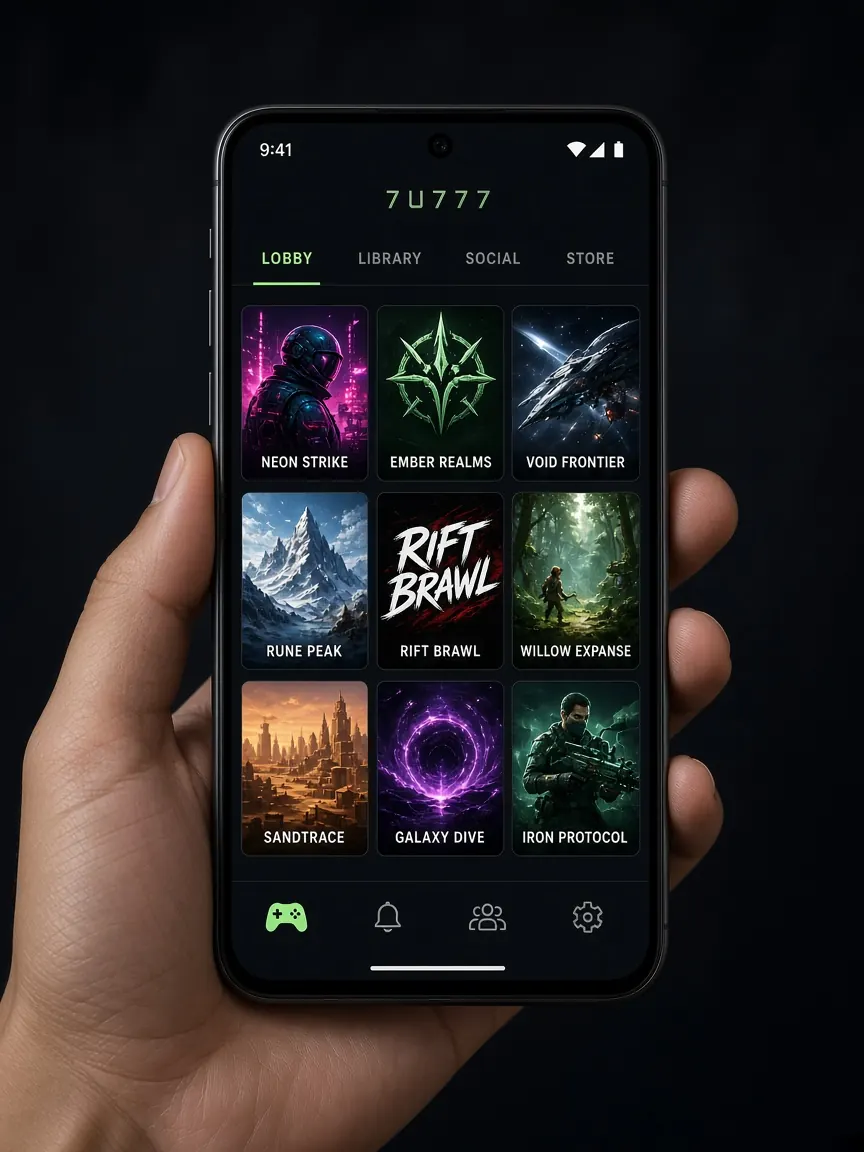
An app is convenient, but an app from the wrong source can open the door to your password, your SMS and your wallet. This page shows where to get the app, what to watch for during installation, and how to protect the phone you use for money. This is an unofficial information site; we do not host any app files.
The only safe source
The official lobby has buttons for Android and iOS. Get the app from there only. Avoid Telegram groups, Facebook posts, unknown APK websites and files that someone sends you, however trustworthy they look. A fake APK can look exactly like the real app, with the same icon.
Installing on Android, safely
- Open the lobby with the button on this page or from your own bookmark, and check the address.
- Tap the Android button in the lobby.
- If the file is an APK, your phone may ask for permission to "install from unknown sources". Allow it only for the browser you used to download it.
- After installing, go to Settings and turn that permission off again. That way no other file gets installed by mistake later.
- Open the app, log in with your own number and password, and check that your balance and profile look familiar.
Permissions that should make you stop
A gaming app normally does not need to read your SMS, contacts or call log, or control "Accessibility". If it asks for any of these during or after installation, refuse. Accessibility permission is especially dangerous: it lets an app read what is on your screen, including your wallet app PIN.
iPhone (iOS)
If the lobby has an iOS button, follow the instructions there. If you are asked to install a configuration profile, read its details carefully and accept only a profile that comes from the lobby's own button. A profile from an unknown source can control your phone's traffic. If the iOS button does not work, open the lobby in Safari and use the mobile site. Most games run in the browser.
You can play without the app
Just open the lobby in Chrome or Safari on your phone. The main benefits of the app are a home screen icon and sometimes notifications. From a security point of view, the browser means no extra file to install. Just open it from a verified bookmark.
Protecting the phone you pay from
- Screen lock: always use a PIN, pattern or fingerprint.
- Updates: keep your phone system and browser updated; old versions have security holes.
- Wallet app lock: keep the built-in lock on in your bKash, Nagad or Rocket app.
- No remote apps: if someone claiming to be "support" asks you to share your screen or install a remote control app, say no straight away.
- If you lose your phone: block your SIM quickly, change your lobby password from another device, and call your wallet's helpline.
If an installed app looks suspicious
Signs of a fake app include: the phone suddenly slows down, strange ads pop up, SMS are sent without your permission, or the app asks for your password again every time you open it. If this happens:
- Uninstall the app and check Settings for any device admin or Accessibility permission left behind.
- From another safe device or browser, go to the real lobby and change your password.
- Change your wallet PIN and check your recent transactions.
- Tell the lobby's live chat where you got the app from.
FAQ
Can I get the 7Z777 app from the Play Store?
Not always. Apps like this are often not in the store, so you get the APK from the lobby button. Even if you see an app with the brand name in the store, do not install it unless you are sure. The lobby button is the reliable source.
Can I use 7Z777 on an iPhone?
If the lobby has an iOS button, use it. If it does not work, open the mobile site in Safari and play there.
The app will not open after installing
Try updating your phone system, or play from the browser. Do not install a "fixed version" file that someone else sends you.
See more detailed download steps in the download guide, and learn how to spot fake apps and sites in the fake sites guide.
This is not the official site. Get the app only from the official lobby. 18+ only. Set limits on your playing time and spending.