
7Z777 login: what to check before you sign in
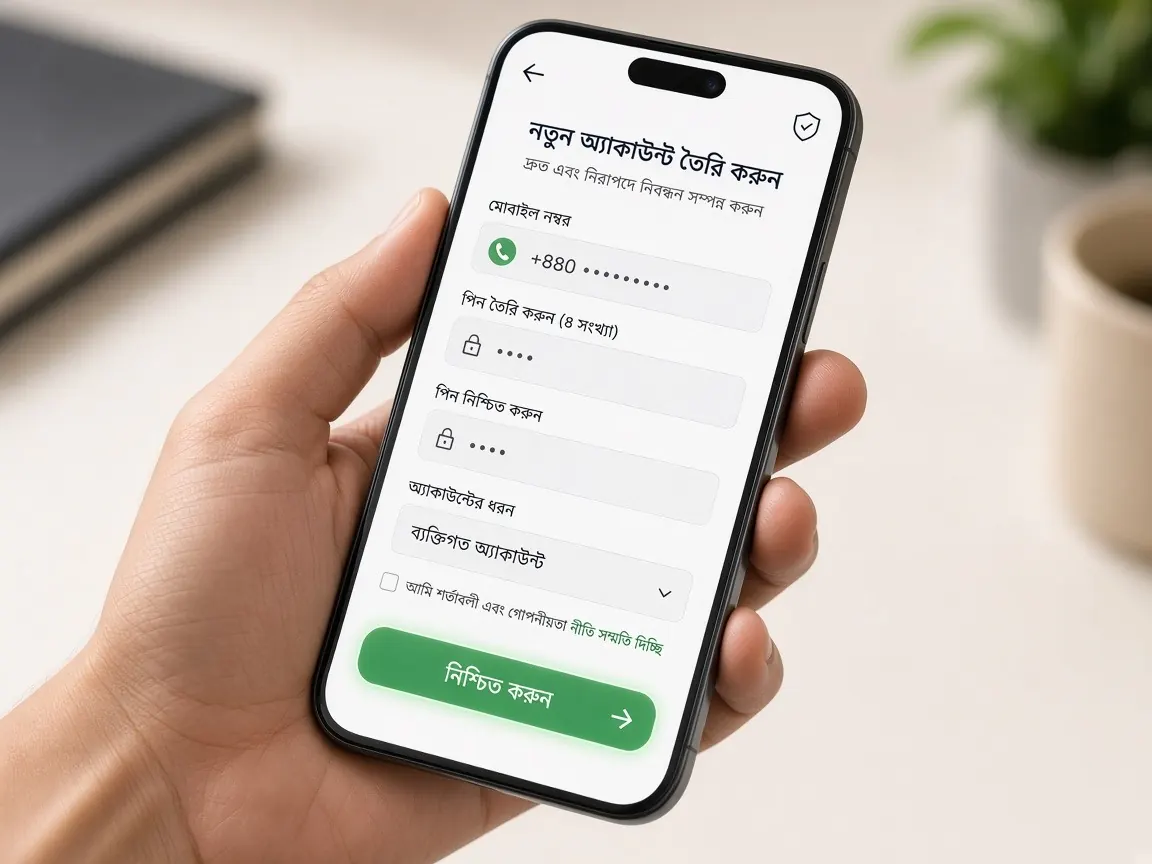
The moment you log in is a scammer's favourite time, because you are typing your password yourself. The only question is where you are typing it. Along with the sign-in steps, this page shows how to make sure your password goes to the real lobby. Remember, this guide site has no login form and it is not the official site.
Three questions before you type your password
- How did I get to this page? Coming from your own bookmark or this site's lobby button is good. If you came from a link someone sent, an ad or a pop-up, stop.
- What does the address bar say? Read the full address, not just the logo. Any extra letter, number or dash means it is a different site.
- Is the page rushing you? Text like "log in now or your account will be closed" is often a sign of a phishing page.
How to sign in to 7Z777 safely, step by step
- Tap the official lobby button at the bottom of this page. After you open it the first time, bookmark it in your browser and open it from there later.
- Choose the login or sign-in option in the lobby.
- Enter the mobile number you used when you registered, and your password.
- If you get an OTP, type it yourself into that same form. You never need to read the code out to anyone or forward it.
- After login, you should see your familiar balance and profile details. If anything looks strange, log out and enter again from your bookmark.
Good OTP and password habits
An OTP is a one-time key. Whoever gets it can stand in your place for a short time. So the rule is simple: your OTP only goes into the form you opened yourself. If anyone asks for the code "for verification" by phone call, Telegram or WhatsApp, do not give it, no matter who they say they are.
- Do not use your name, date of birth or mobile number in your password. These are easy to guess.
- Do not reuse your wallet or email password here. If one leaks, the others are at risk too.
- If you let the browser remember your password, always keep a screen lock on your phone.
- Do not save your password as a screenshot. Your gallery is open to many apps.
If you forgot your password
If the lobby's login screen has a reset option, use it. Otherwise ask for help in the live chat inside the lobby. You should always start the reset yourself. If you suddenly get a reset code or a "password changed" message when you did not ask for anything, assume someone is trying to get into your account. Official channel for news and announcements: 7Z777. But even there, if someone asks for your password privately, that is not support.
If you notice a strange login or change
Your balance looks lower, a new wallet number was added to your profile without your knowledge, or your password does not work when you try to log in. These are warning signs. Here is what to do:
- Change your password right away if you can.
- In the lobby's live chat, report the time, what you saw, and the last link you used.
- If you use the same password anywhere else, change those too.
- If you recently logged in through an unknown link, do not open that link again.
Common myths about logging in
- "The logo and colours are the same, so the site is real." Copying a design is the easiest thing to do. Trust only the address.
- "Support will check my OTP to verify me." The real system checks the OTP itself. You never have to read it out to a person.
- "I logged in once, so everything is fine." A fake page can also show you a staged "home screen". Check your familiar balance and profile details.
- "A friend sent the link, so it is safe." Your friend's account may itself be hacked. Whoever sends the link, check the address.
If a pop-up after login asks for your password or wallet PIN again, close it. After a normal login there is no reason to ask for the same details again.
Logging in on a shared or someone else's phone
If you log in on a friend's phone, a shop computer or a shared family device, always log out when you finish and do not let the browser save your password. It is best to avoid money transactions on public Wi-Fi.
If you need a new account, see the safe registration guide, and if you are not sure which address is real, read the guide to spotting fake sites.
This is an unofficial guide site. Login, balance and cashier are only in the official lobby. 18+, play responsibly.