
The 7Z777 lobby on weak mobile data: less hassle, no shortcuts on safety
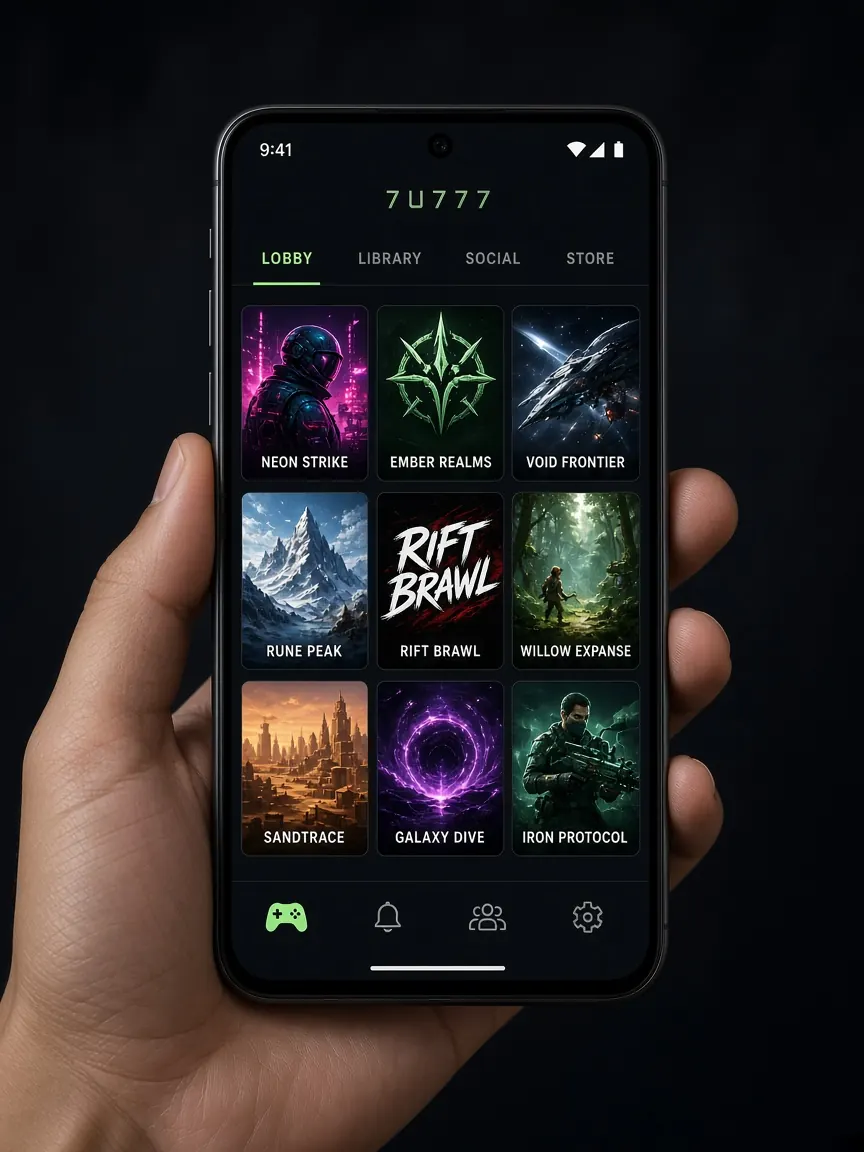
At the village home, on a moving bus or in a crowded market, the signal often drops to one or two bars. The lobby opens slowly, games freeze midway, and many people grow impatient and start looking for a "fast link" or "lite app" someone sent them, which is exactly where scammers wait. This page covers practical ways to use the lobby smoothly on a weak connection without compromising safety. This is an unofficial guide site; we don't control the network or the lobby's speed.
On a weak connection, is the browser or a home-screen shortcut more convenient?
Both open the same lobby; the difference is in habits. With many browser tabs open, each tab may try to load in the background, which makes a weak connection worse. So:
- Close tabs you don't need before opening the lobby.
- In a browser like Chrome, open the lobby and choose "Add to Home screen" from the menu (⋮) to create a shortcut icon on your home screen. This isn't an extra file download, just a direct door to the real address.
- Check the address in the address bar before creating the shortcut, because that is the address it will open every time.
If you want a separate app, get it only from the button inside the lobby, nowhere else; details are in the download guide. The simplest way to find out which runs more comfortably on your phone is to try both on your own device.
How do I clear the cache when the lobby freezes or half-loads?
When a page loads incompletely on a weak connection, the broken parts can stay in the browser's cache, so you keep seeing the same blank or jumbled screen. Try the simple things first, then clear the cache if needed:
- Refresh the page once, not repeatedly.
- If that doesn't work, fully close the browser and reopen it.
- If it still doesn't work, go to the privacy section of Chrome's settings, open the option to delete browsing data, and select only "Cached images and files".
- Deleting cookies or saved passwords will log you out of the lobby. If you do that, come back in only from your bookmark or shortcut, and make sure you remember your password first.
If you use the app, there is usually an option to clear its cache in the app info section of your phone's settings.
Wi-Fi or mobile data: when should I choose which?
A stable connection is what matters, not its name. A few practical rules:
- Familiar home Wi-Fi: if the connection is steady, this is usually the most comfortable.
- Open Wi-Fi at a shop, station or hotel: don't log in, deposit or withdraw here. You don't know who else is on that network.
- Weak Wi-Fi and decent data: some phones switch from weak Wi-Fi to data on their own and back again. That back-and-forth can drop your connection mid-game, so pick one and stay on it.
- Background data use: automatic app updates, video autoplay and cloud backups quietly take a share of the connection. Turning on your phone's data saver or pausing these for a while gives the lobby a bit more room.
Which kinds of games are more comfortable on low data?
Not every game depends on the connection equally. Choosing with your network conditions in mind cuts down on the frustration of freezing midway:
- Live casino: a real dealer's video runs continuously, so on a weak connection the picture is more likely to freeze or fall behind.
- Live cricket betting: options change as the match situation changes; if your connection lags, you may be looking at an outdated state.
- Crash-style games (such as Aviator): your tap needs to arrive on time while a round is running, so it's better to avoid these on an unstable connection.
- Simple games like regular slots, colour prediction or Mines: once loaded, each round is short, so they are comparatively less troublesome on a weak connection.
A general introduction to the games is on the games page. Remember, a lighter game doesn't mean a lower-risk game; keep to your time and money limits as always. See the responsible play page.
What should I check if the connection drops mid-game or mid-deposit?
When the connection comes back, don't tap again or send money again straight away. First see what actually happened:
- Return to the lobby from your bookmark or shortcut and check your balance.
- Check your bet history to see whether the last round is there and what result it shows.
- If it dropped during a deposit, check both your wallet app's history and the lobby's transaction history.
- If anything doesn't match, take screenshots and tell the lobby's live chat, including the time.
Rushing to do the same thing twice is the most common mistake on a weak connection.
Which weak-connection "fixes" should I avoid?
- Files someone sends you called a "lite version" or "low-data APK". If you need the app, use only the lobby's button.
- Unfamiliar addresses claiming to be a "fast server" or "mirror link"; entering your password there can hand it to someone else.
- Unknown "net booster" or free VPN apps that ask for broad permissions on your phone.
If you are unsure whether an address is real, see the guide to spotting fake sites.
Using the lobby on low data: questions and answers
The lobby won't open, it just keeps spinning. What do I do?
Check whether any other ordinary website opens; if not, the problem is the network. Turning airplane mode on and off once often makes the phone pick up the connection afresh. If other sites open but the lobby doesn't, try the cache-clearing steps, then enter again from your bookmark.
Is the home-screen shortcut a separate app?
No. It's an icon for an address opened in the browser, and tapping it opens that same address. It needs no file download and no permission to install from unknown sources.
Will clearing the cache delete my balance or history?
No. Your balance and history live in your account, not in your phone's browser. Clearing the cache only removes page pieces stored on the phone; deleting cookies may log you out, and logging in again is all it takes.
The connection is better at night. Is that a better time to play?
It may help the connection, but decisions are harder late at night when you're tired. Put your sleep and your limits ahead of a better signal.
My phone is old and the lobby is slow. Is it the network or the phone?
If it feels slow even on good Wi-Fi, look at the phone side too. Close apps running in the background, remove unneeded photos or videos if storage is nearly full, and keep the browser and system updated. After that, choosing simple games over heavy live ones is still the more comfortable option.
This is an unofficial guide site, not the official site. Login, balance and cashier are only in the official lobby. 18+, play responsibly.