
Forgot your 7Z777 password? How to stay safe while resetting it
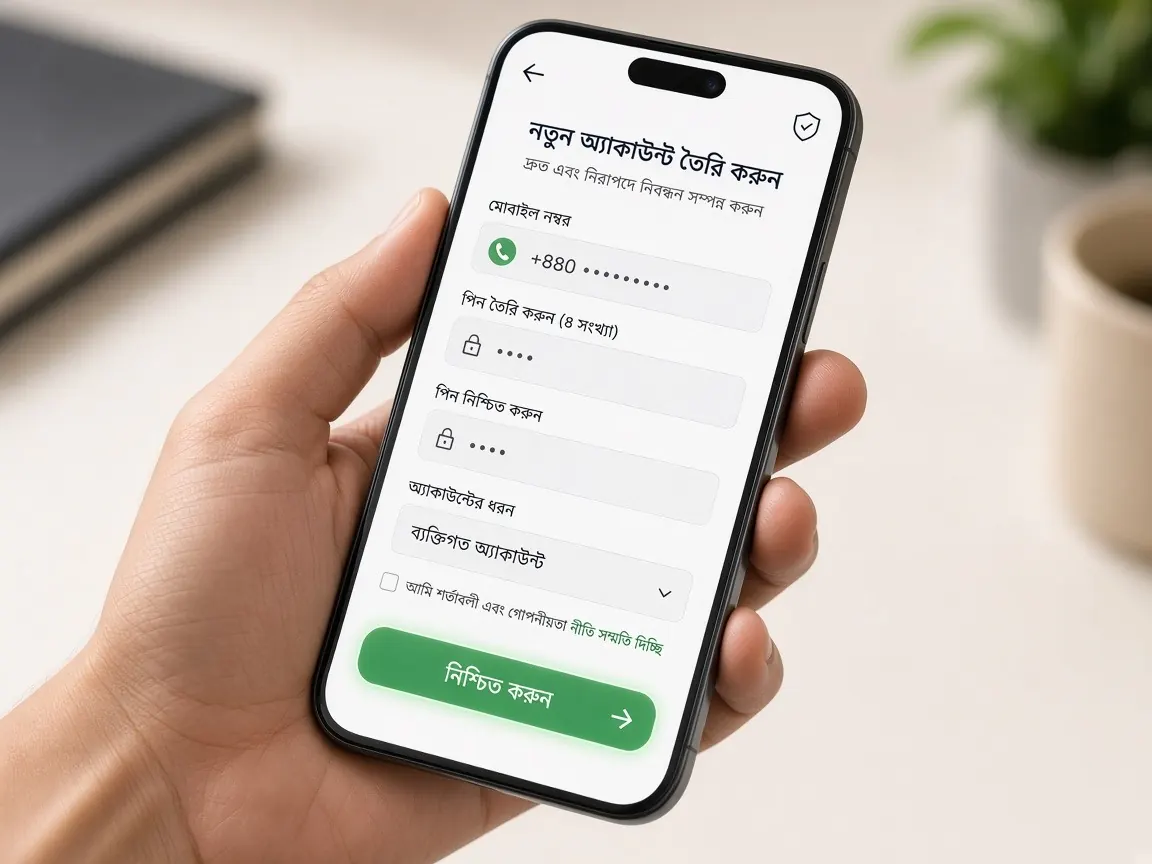
Forgetting a password is very common, but the moment of resetting it is risky. You are in a hurry, an OTP lands on your phone, and that is exactly when someone shows up to "help". This page covers how to reset your password yourself from inside the lobby, and where you should stop. This is an unofficial guide site; we cannot see or change your account or password.
Before you reset: are you really on the real lobby?
Often it feels like "my password isn't working", when the real problem is that the page itself is different. If you reached a look-alike page from a search result or a link someone sent, your password will not work there, because your account does not exist there. And if you tap "forgot password" on that page, you may hand your mobile number and OTP straight to a scammer.
- Open the lobby from your own bookmark or this site's lobby button, not from a link in a message.
- Read the full address in the address bar. Extra letters, numbers or dashes mean a different site.
- If the page is open inside Telegram's or Facebook's built-in browser, open it in a normal browser such as Chrome so the full address is visible.
If you have any doubt about the address, read the guide to recognising the real lobby first, then start the reset.
How do I reset my password in the 7Z777 lobby?
The lobby design can change over time, so button names may not match exactly. The general order is:
- Open the lobby from your bookmark and go to the login screen.
- Look for "forgot password" or a similar reset link. If there isn't one, open the lobby's live chat and tell them.
- Enter exactly the mobile number you used when you registered.
- When the OTP arrives, type it yourself into that form only.
- Enter a new password and type it again to confirm.
- Log in with the new password and check that your profile, balance and withdrawal wallet number are correct.
You start the whole process yourself and you finish it yourself. There is no step where you read a code out to a person or send a screenshot of it. If someone tries to add that step, that is the biggest warning sign of all.
The reset OTP isn't arriving: what should I check?
- Did you type the number correctly, and is it really the number you registered with? People with more than one SIM often mix this up.
- Check that your phone has signal and airplane mode is off.
- Check whether your SMS inbox is full, or whether a blocking app is holding back messages from unknown senders.
- Don't keep pressing "resend". Wait a little and try once.
If it still doesn't come, tell the lobby's live chat that the reset code isn't arriving. If at this exact moment someone calls or messages on WhatsApp from an unknown number saying "we're sending a code, read it out to us", they are trying to get into your account. The real code goes only into the form, never to a person.
What kind of new password is both memorable and safe?
Afraid of forgetting again, many people choose something simple: their name, birth date or mobile number. These are very easy to guess. On the other hand, writing a complex password on paper and keeping it in your wallet is also a risk. There is a middle path:
- Join a few unrelated words into one long phrase and add a number or symbol in the middle. Long is easier to remember and harder to guess.
- Don't reuse your wallet, email or Facebook password here. If one leaks, the others are in danger too.
- Don't make a "new" password by changing one letter at the end of the old one.
- You can save it in your browser's password manager, but only if your phone has a screen lock.
- Don't keep your password as a screenshot in your gallery; many apps can see the gallery.
For a regular account check-up beyond passwords, see the account security guide.
"I'll recover your password": who are these people?
Someone writes "I forgot my password" in a Facebook group, Telegram channel or comment, and within minutes a "support" or "recovery agent" appears in their inbox. What they say is almost always the same:
- "Give me your mobile number and the code you're about to get, I'll open it right now."
- "Send a small recovery fee, then I'll give you a new password."
- "Log in at this link, the reset happens there."
- "Your account is about to be blocked, hurry."
None of these are part of the lobby's reset process. It is better not to mention a forgotten password in public at all, because it works like an advertisement for scammers. If you need help, use the chat inside the lobby. Where to find it and what to write is in the support guide.
I no longer have the registered number: what now?
If the SIM is lost, deactivated or you changed numbers, the reset OTP will not reach you. In that case:
- First try to get a replacement SIM for that number in your own name from your mobile operator's official service centre.
- If that isn't possible, explain the situation in the lobby's live chat. Whatever the lobby asks for identity verification, give it only in the designated place inside the lobby.
- Never agree to an offer to "move the account" to someone else's number.
One more thing: if you didn't ask for anything but suddenly get a reset code or a "your password was changed" message, assume someone else is trying. Don't give the code to anyone, log in from your bookmark, change your password and tell live chat.
Password reset questions
After a reset, do I need to log in again on other phones?
Usually you will need to log in with the new password. If your browser has the old password saved, update or delete it, otherwise the browser will keep filling in the old one and it will look as if the reset didn't work.
Can support tell me my old password?
Don't expect that. The fix is to create a new password, not to get the old one back. If someone claims "I know your old password", be even more suspicious of them.
My account got locked after too many wrong passwords. What do I do?
Stop trying and tell the lobby's live chat. The unlock rules are whatever the lobby says. Anyone offering to unlock it for money is running a scam.
What if my balance or history looks wrong after the reset?
Changing your password only changes the key. Still, after resetting, log in and check your balance, transactions and wallet number. If you see anything unfamiliar, take screenshots and report it in live chat with the time.
A family member knows my password. Should I change it?
Yes, it is better to change it. There is money in the account, and if the person who knows your password loses their phone or gets hacked, the risk lands on you too. Keep the new password to yourself.
Don't make playing decisions while angry or rushed during a password problem. Take a break; there is advice on time and money limits on the responsible play page.
Reset in your bookmarked lobby
This is an unofficial guide site, not the official site. Password reset, login and balance are only in the official lobby. 18+, play responsibly.